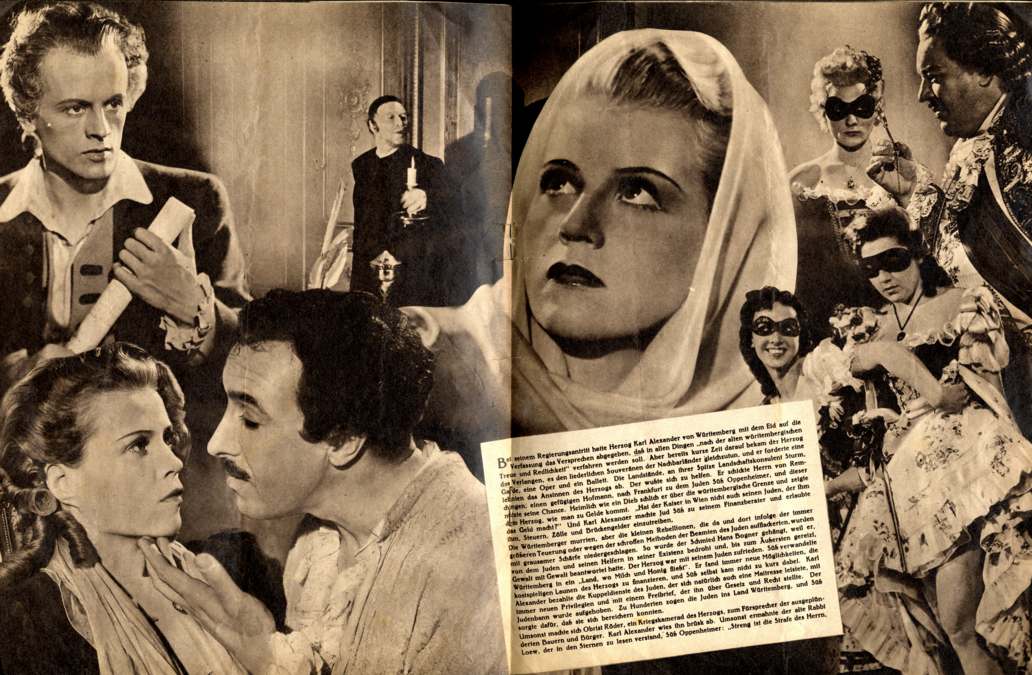
JUD SÜSS - SUSS L'EBREO - A ZSIDÓ SÜSS - THE JEW SÜSS - LE JUIF SÜSS - ŽIDOV SÜSS - EL JUDÍO SÜSS - ŻYD SÜSS - ????? ???? - SÜSS, O JUDEU
Pour télécharger les fichiers, nous vous conseillons d'employer « Mass Donwloader» ou bien un programme analogue qui ait la fonction "resume" (= "reprendre").

|
|
 |
Vous pouvez également utiliser un TORRENT :
|
|
Téléchargez le DVD par un TORRENT(Très rapide) |
|
Mais si vous avez un ordinateur âgé avec un disque dur "FAT32", vous ne pouvez pas télécharger fichiers plus grands que 4 gibioctet et, pour faire le DVD, vous devez télécharger et dézipper tous les fichiers suivants :
UNZIPPED FILE NAME |
UNZIPPED SIZE |
56k |
|
56k |
|
8k |
|
60k |
|
60k |
|
2.7 Mb |
|
1024 Mb |
|
1024 Mb |
|
1024 Mb |
|
1024 Mb |
|
23 Mb |
|
34k |
|
34k |
|
140 Mb |
|
8k |
If you are not expert on making video DVD, please, read the following instructions:
-
All files must be placed in the same folder.
-
We raccomand you that the folder to use must have the exact following name: VIDEO_TS
-
If you have a program that runs video DVD on your computer, you can test the DVD with a double click on the file called: "VIDEO_TS.IFO" (This point is optional)
-
You must burn a video DVD with a DVD burning program. We strongly raccomand you to use "NERO burning rom".
-
When you'll burn the DVD, you'll see that in the root folder there are two sub-directories: "VIDEO_TS" and "AUDIO_TS". The "VIDEO_TS" folder must contein all files you downloaded. The "AUDIO_TS" folder is empty, and it'll remain empty but you must not delete it.