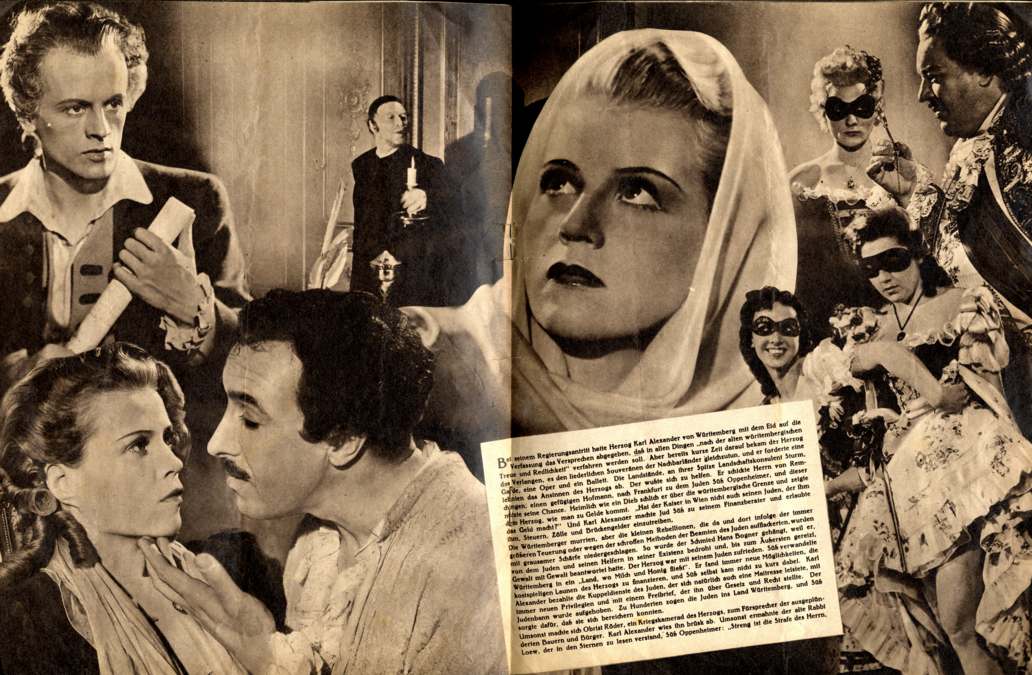
JUD SÜSS - SUSS L'EBREO - A ZSIDÓ SÜSS - THE JEW SÜSS - LE JUIF SÜSS - ŽIDOV SÜSS - EL JUDÍO SÜSS - ŻYD SÜSS - ????? ???? - SÜSS, O JUDEU
This is the 8th edition of our Jud Suss DVD. In this edition we added Czech subtitles.
Help us to translate into other languages our subtitles: holywar@holywar.org
We strongly recommend you to use Metaproducts Mass Downloader, or a software like that, to take big files from this page. The software you need must support the "resume" option.

|
|
 |
If you speak one of the following language: German, English, Italian, French or Hungarian, you can also use a TORRENT:
|
|
Download movie DVD TORRENT (very fast) |
|
But, if you have an old computer with a "FAT32 hard disk (*)", to make the DVD, you must download AND UNZIP, in the same folder, all following files:
UNZIPPED FILE NAME |
UNZIPPED SIZE |
56k |
|
56k |
|
8k |
|
60k |
|
60k |
|
2.7 Mb |
|
1024 Mb |
|
1024 Mb |
|
1024 Mb |
|
1024 Mb |
|
23 Mb |
|
34k |
|
34k |
|
140 Mb |
|
8k |
Note (*): The maximum possible size for a file on a FAT32 volume is 4 GiB minus 1 byte. Larger files require another formatting type such as NTFS .
If you are not expert on making video DVD, please, read the following instructions:
-
All files must be placed in the same folder.
-
We recommend you that the folder to use must have the exact following name: VIDEO_TS
-
If you have a program that runs video DVD on your computer, you can test the DVD with a double click on the file called: "VIDEO_TS.IFO" (This point is optional)
-
You must burn a video DVD with a DVD burning program. We strongly recommend you to use "NERO burning rom".
-
When you'll burn the DVD, you'll see that in the root folder there are two sub-directories: "VIDEO_TS" and "AUDIO_TS". The "VIDEO_TS" folder must contain all files you downloaded. The "AUDIO_TS" folder is empty, and it'll remain empty but you must not delete it.